Upload your room
Use a clear JPG or PNG photo of the space you want to redesign.
AI room visualization
Upload a room photo, describe the look you want, and explore polished interior design concepts while keeping the original space recognizable.
Free credits available · JPG and PNG supported · No software installation
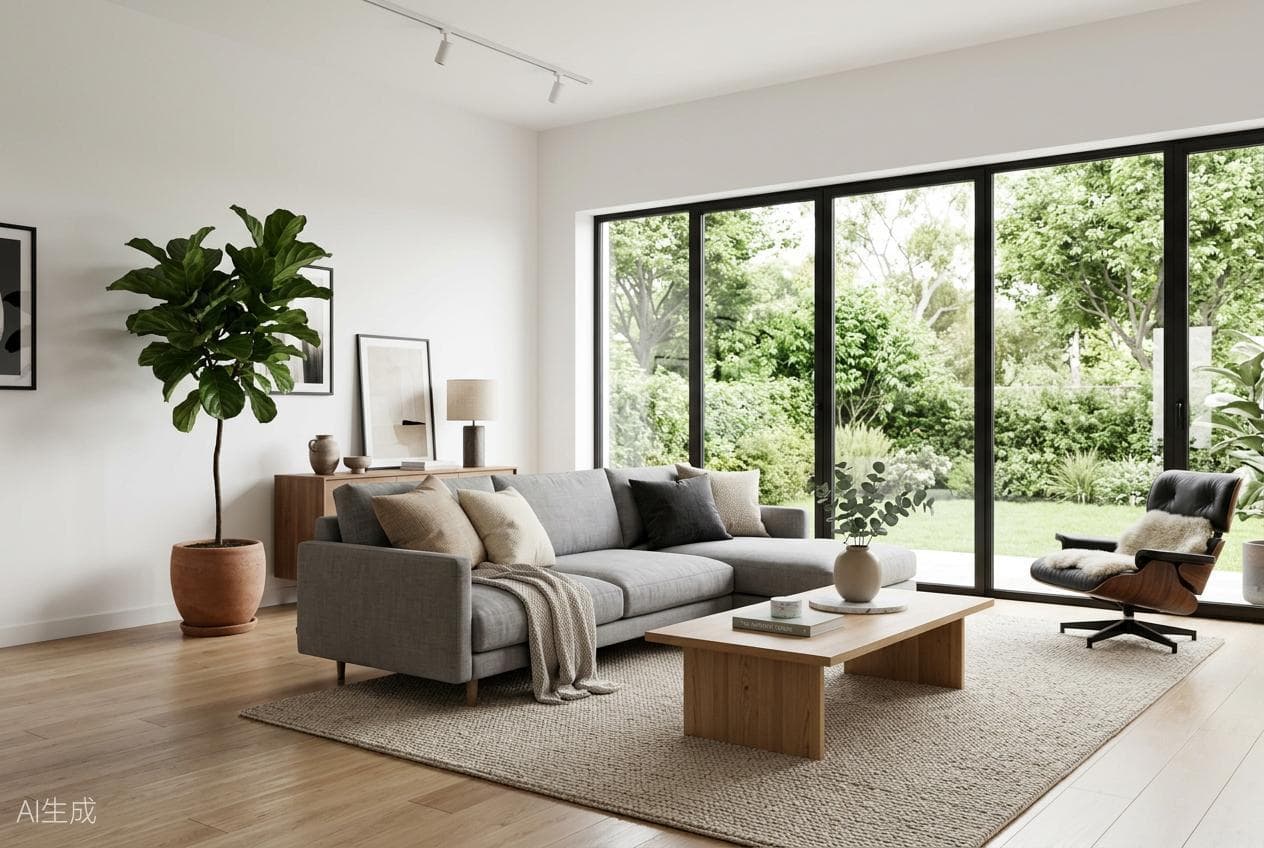
Generated with
AI Interior Design
Simple workflow
Use a clear JPG or PNG photo of the space you want to redesign.
Select the room type, visual style, image ratio, and describe the details that matter.
Review variations, compare the reference with the concept, and download your preferred result.
Questions
Yes. Add a room photo as the reference and PixelHouse AI will use it to guide the new visual direction.
You can create concepts for living rooms, bedrooms, kitchens, bathrooms, dining rooms, studies, balconies, and entrances.
Paid plans are designed for commercial workflows such as design proposals, real-estate presentations, and marketing concepts.
More AI design tools
Start with a prompt or upload a reference image in the PixelHouse AI workspace.
Try AI Interior Design